
I Made 5 Useful AI Visuals With One GPT
The exact workflow I used to create two infographics, a promotional discount visual, and two step-by-step guides.

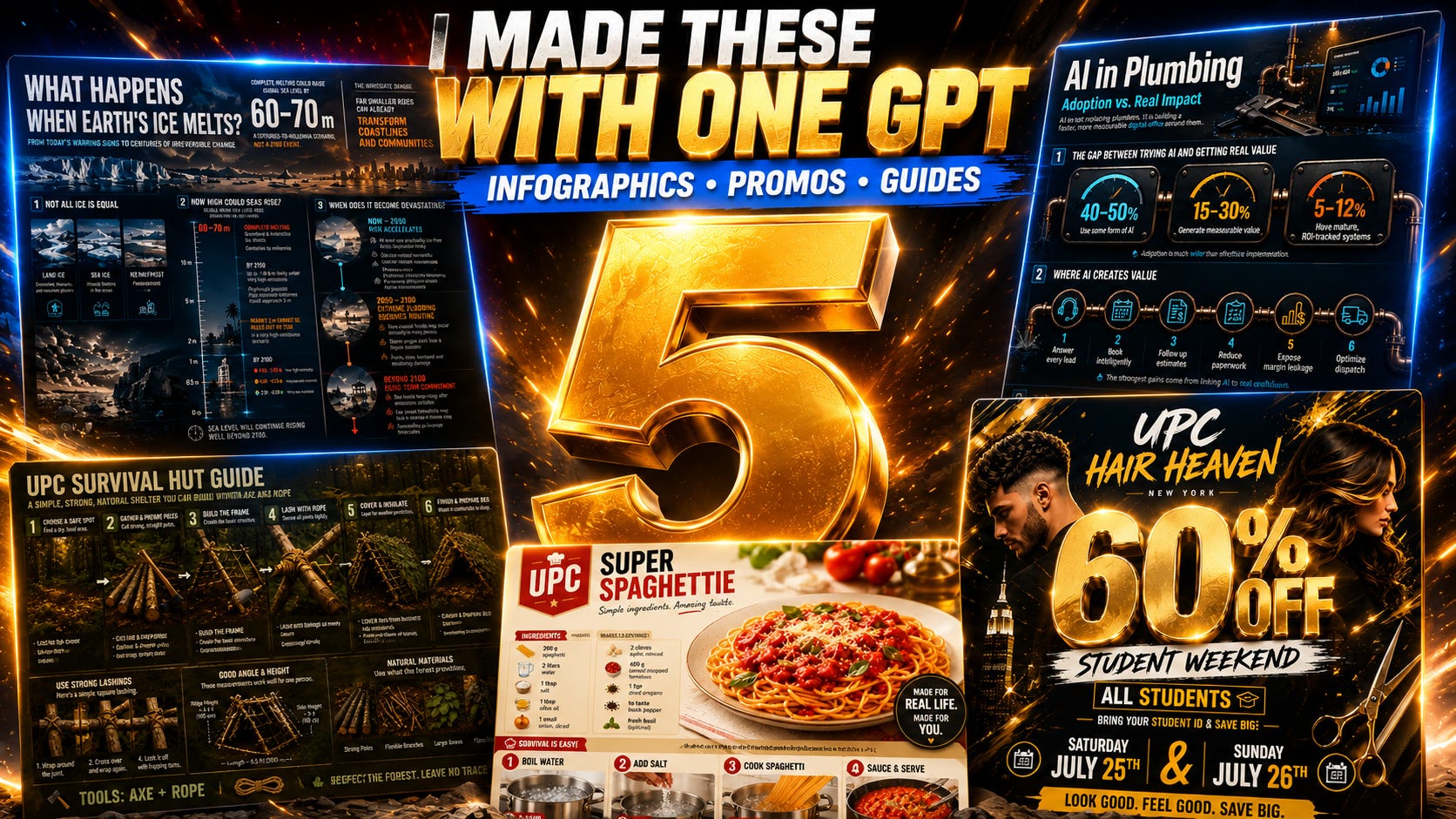
TLDR: Today we are turning long reports, local promotions, and physical tasks into useful AI visuals. I’ll show you the exact workflow I used to make two infographics, one student-discount visual, and two step-by-step guides with the UPC Image Prompts GPT. 🔥
Use the Ultimate Prompt Creator (free, no signup):
Want to try the UPC Image Prompts GPT yourself?
Subscribe for free to our UPC Substack newsletter and get instant access to four of our most-used UPC tools! 👉 See why subscribing might be worth it
Today we are making something that is a little more serious than normal when it comes to visuals:
Two infographics based on long reports
A promotional discount visual for a local business
Two visual guides on how to do a physical task
As of right now, while I am writing this post, I recommend using ChatGPT to create these kinds of visuals. The reason is that ChatGPT is phenomenal at generating text, infographics, etc. In my personal experience, there is no better AI image model for this yet. 🔥
So having said that, let’s get started!
A Quick Disclaimer Before We Trust Any of This
Ok, so the goal was to make an infographic that displays the most important details of the report in a way that is easy to consume, looks good, and contains genuinely good info from the report.
But I do not want to use reports from others for obvious reasons, so I just quickly made two reports with AI.
Which means: Do not trust the output!
Normally, I would go into the Ultimate Prompt Creator, make a high-level prompt that gives a really good report, and verify the info, etc. That is not what I did now. I just went into AI and asked it to generate the report for me with a very simple request. The info in these examples may be right, wrong, old, or just straight-up bullshit.
This is about the principle of making the infographics, not the actual data.
In case you do want to take a look at the reports it made anyway, check out these two shared ChatGPT links. They will redirect you to the chats that made these reports based on my requests.
Turning Long Reports Into Infographics
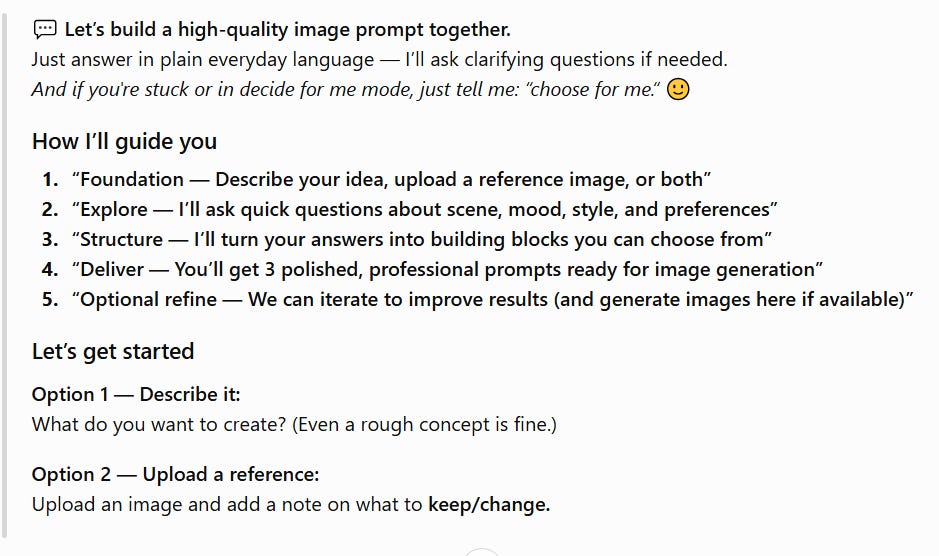
To get started, first of all, we open the UPC Image Prompts GPT and click “Get Started.” It will greet you with the following starting message:
Now, because the report is so long, the first goal was to decide what info gets into the infographic, because there was obviously way too much to put all of it into the visual.
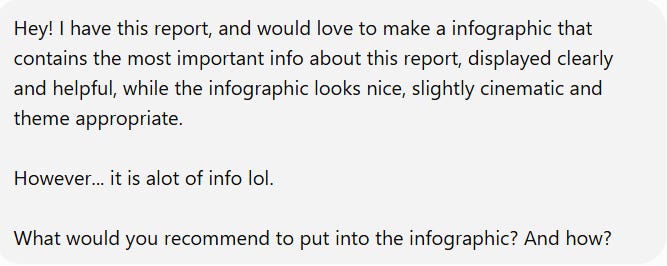
So that is what I did - I just asked it what we should put into the visual.
This was my input:
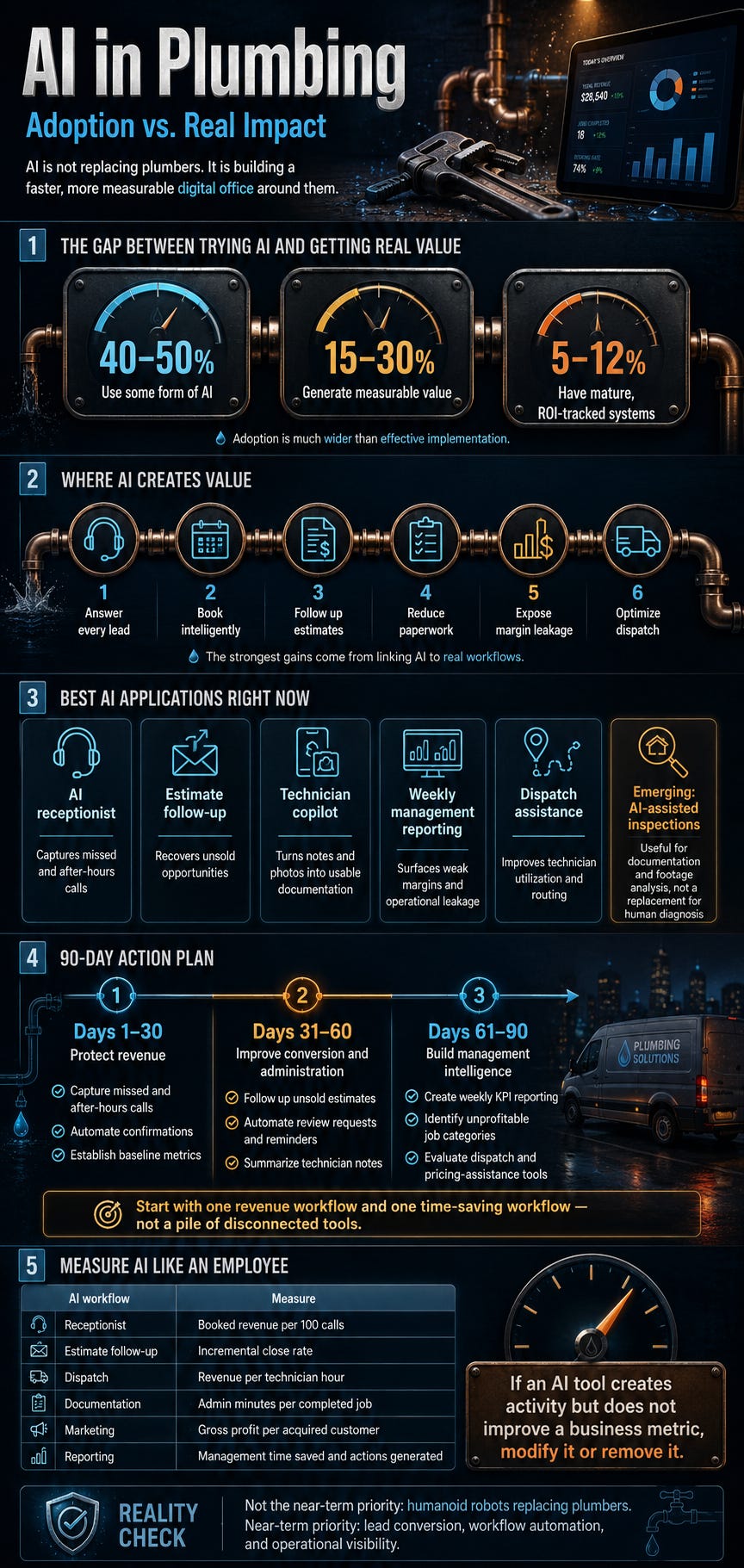
Based on that, it wrote a whole response about how we should structure this. I will obviously not go into detail about it, because the result is literally inside the infographic.
A long report does not need a crowded infographic. Pick the information that matters most, or divide them into multiple visuals.
After that, I asked how we could make this visually attractive too, because you do not want some boring Canva visual. 😂
Please do note that you can give a lot more guidance if you wish, and have a lot more influence over everything. This is just a quick example of how you could do it.

I told it that it looked good and that we could proceed.
This was the end result:
Then I did the exact same thing for melting icecaps.
I made a report, uploaded it, asked what we would put into the infographic, asked for the visual planning... and generated the image.
This was the result:
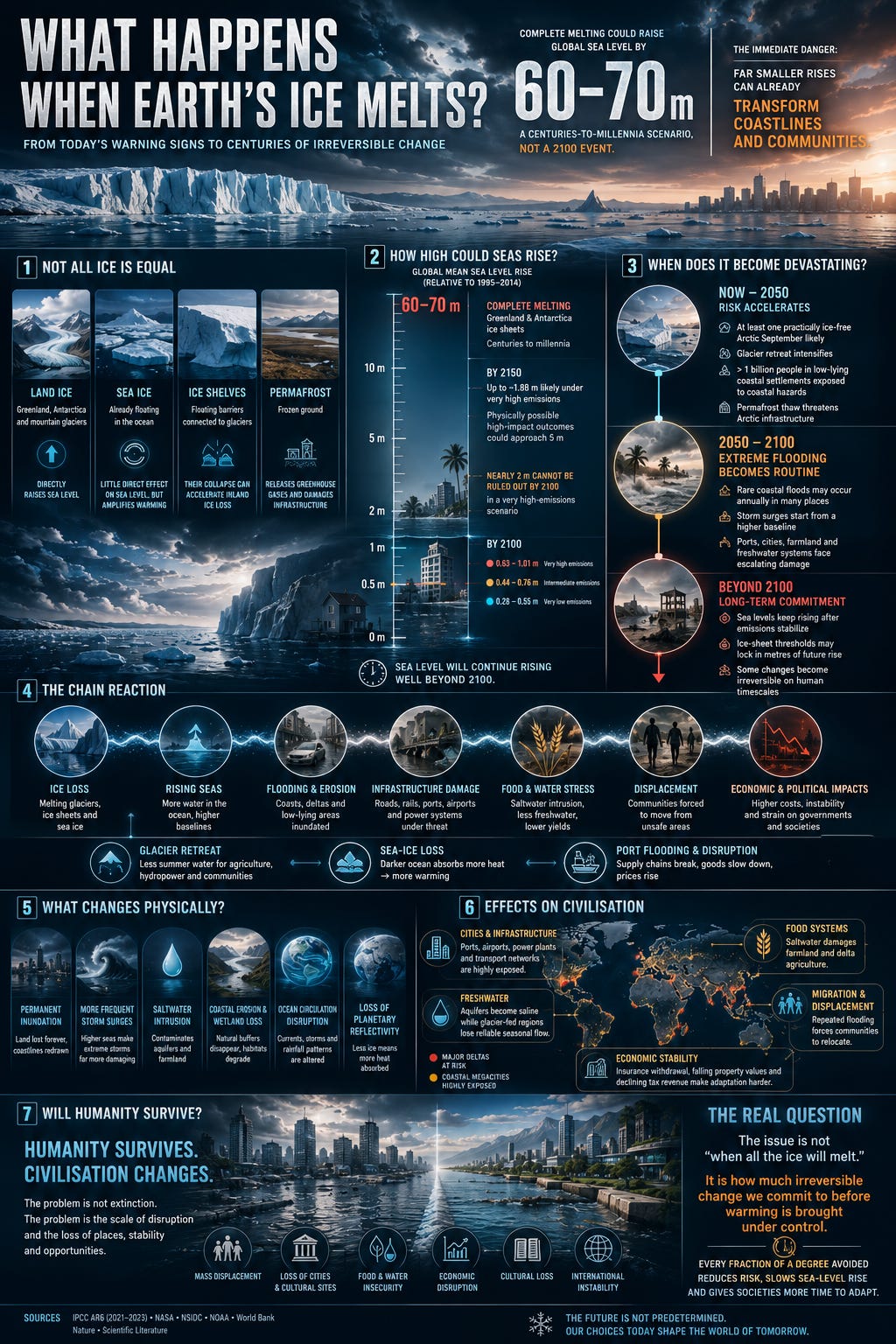
This is literally all you have to do. It could not be a lot simpler than this. 😂
And again, you can give it more direction on how to make the infographic if you wish to. 👍
Making a Local-Business Discount Visual
I thought it might be a fun example to make a promotional visual for a local business. I chose a hair salon with a student discount as an example.
Know though, that the same principle applies to everything - even if you are in a completely different niche with a completely different discount.
Or if you just want to make any kind of promotional visual, really.
I took an imaginary brand name without contact details. If you want to make this, then you obviously provide your contact details too. 👍👀
This is also where you could provide things like your brand colors, the style of your business, the exact discount, and what you want people to do after seeing the visual. The more specific you are, the more personal you can make it.
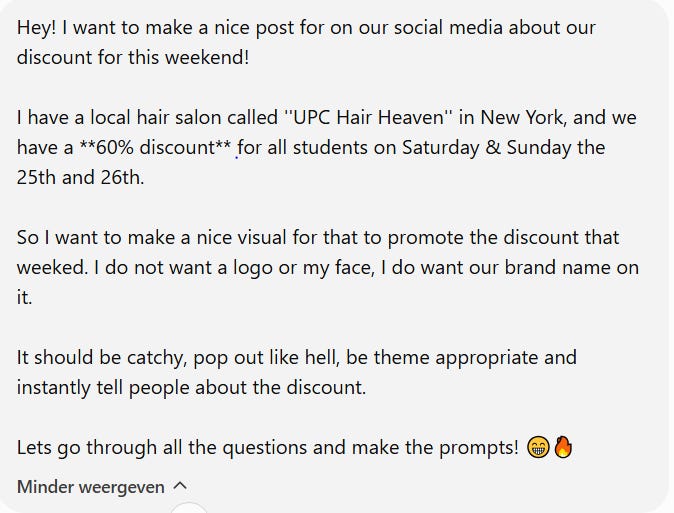
Because this is not an infographic, we get a couple of questions about how we want this promotional offer to look.
Taking the time to fill this out really improves the quality and personalization, but you are totally free to let it decide everything for you if that is what you want.
Here are the questions and answers - do not worry if it seems like a bit much. It guides you through everything step by step:
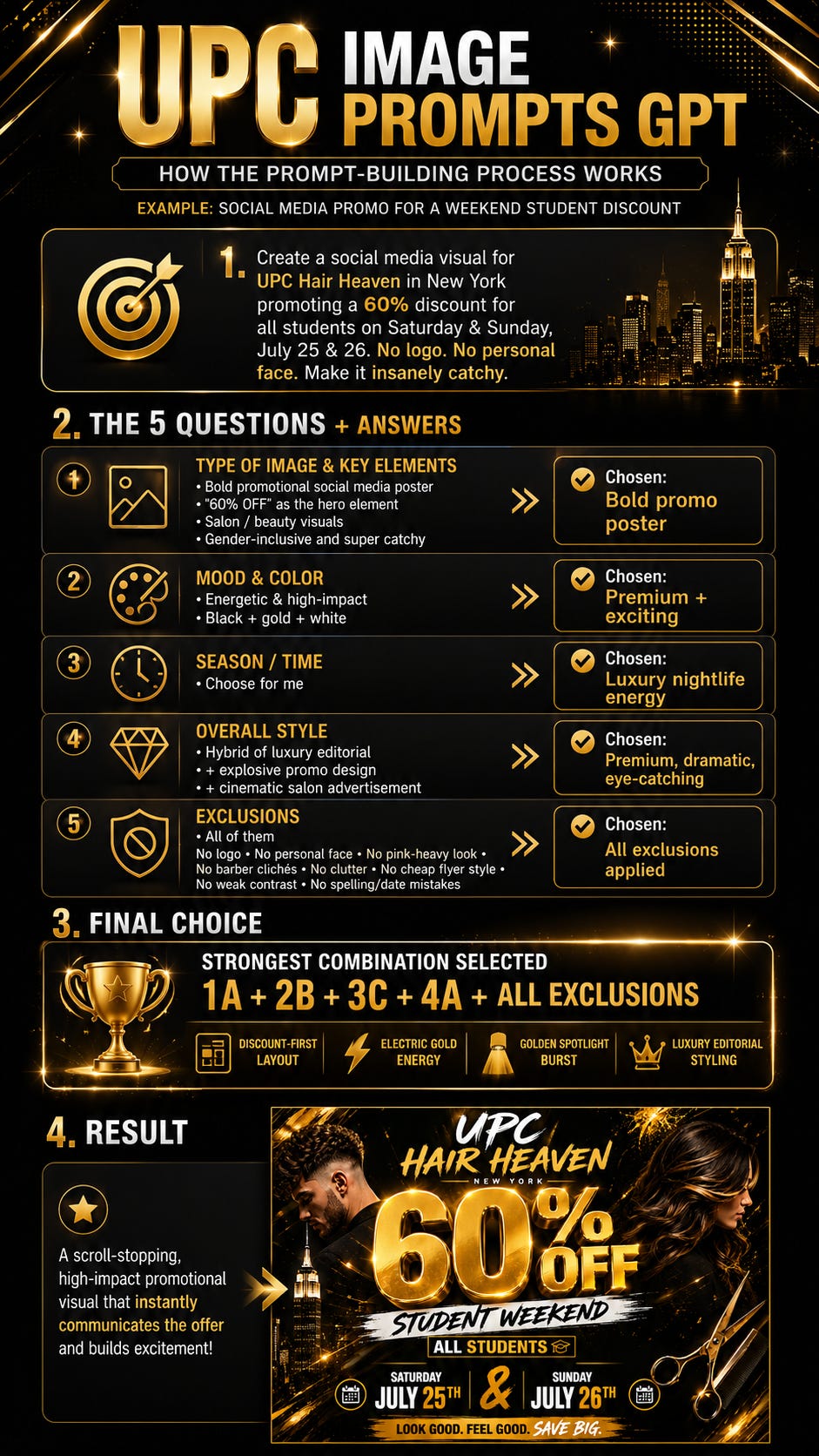
As you can already see in this visual wrap-up... I approved it, and this was the result:
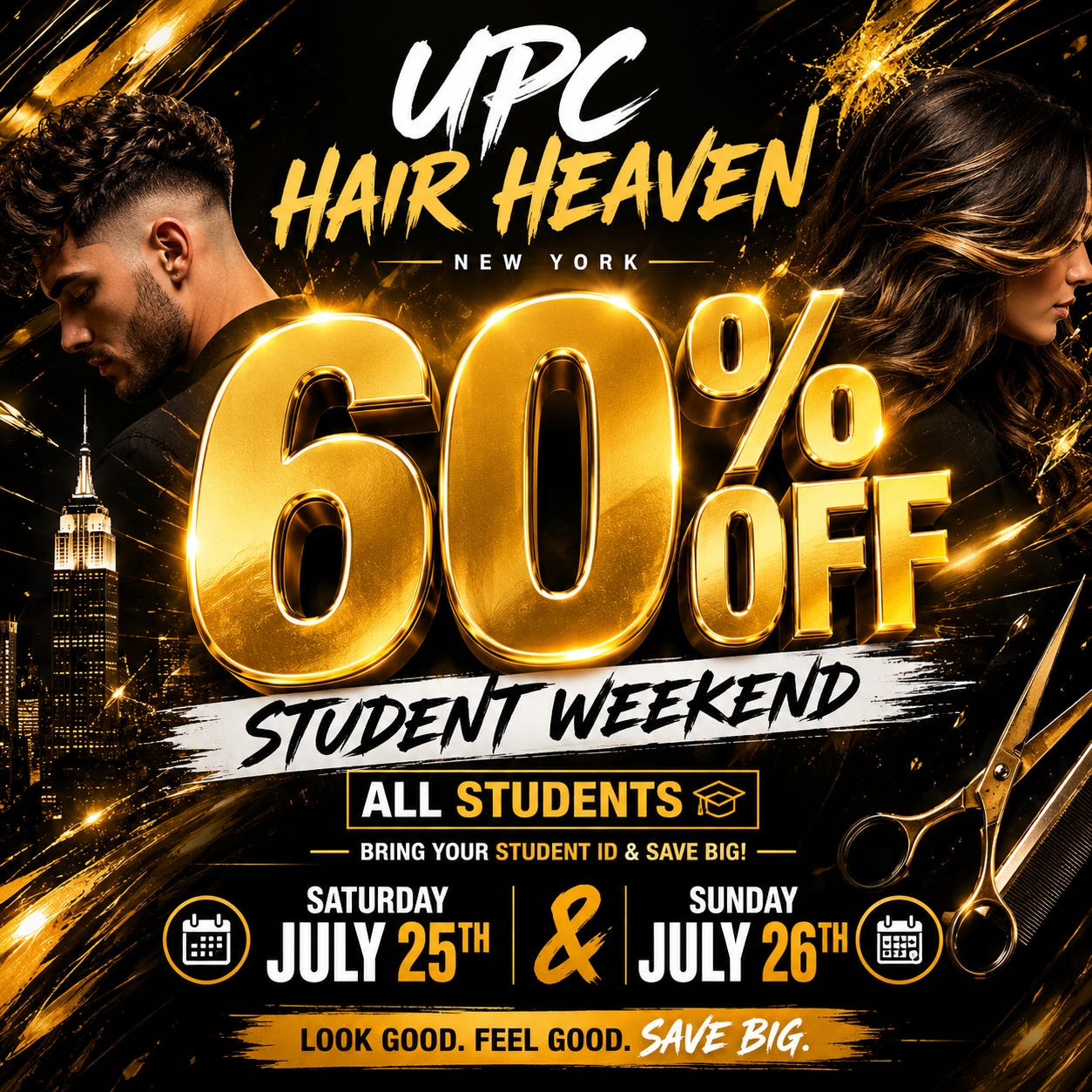
I can say with full confidence that I would be really proud to post this on social media as a local business owner! 🔥😎
Turning Physical Tasks Into Visual Guides
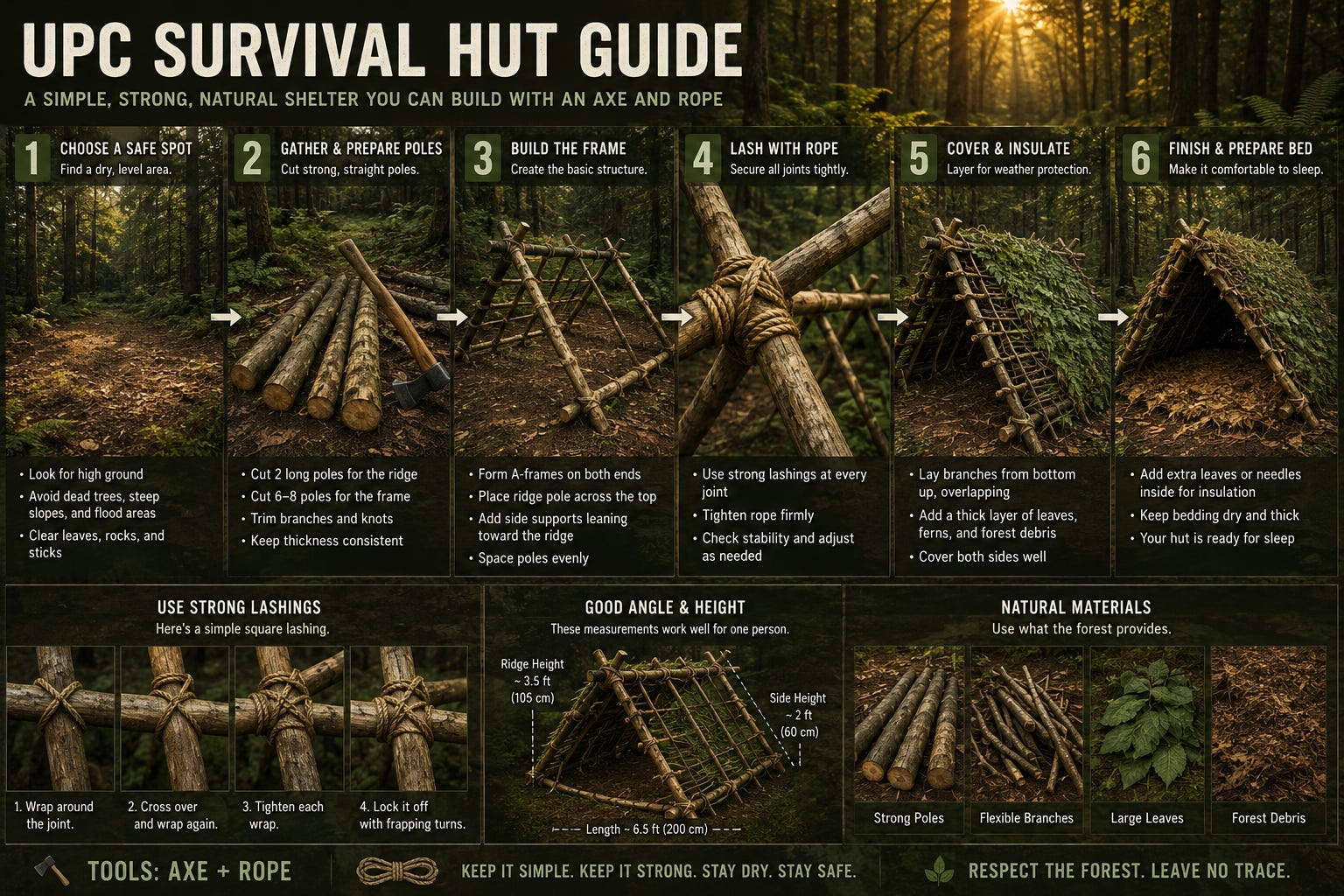
Let’s say you want to make a visual guide on how to do something physical. Build a closet, repair a bicycle, paint a wall correctly, or... make a hut in the forest.
Again, I opened the GPT, pressed “Get Started,” and this was my input:
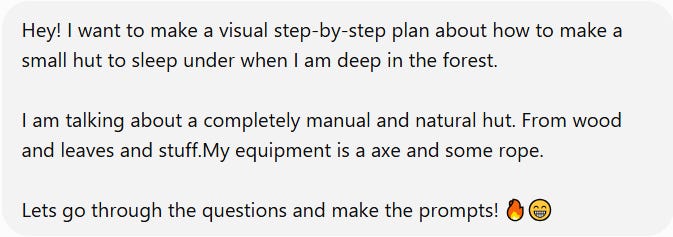
Now... my input was total shit, as I do not know much about it, like, at all. But it is a perfect example of how bad your input can be! 😂
I answered the questions:
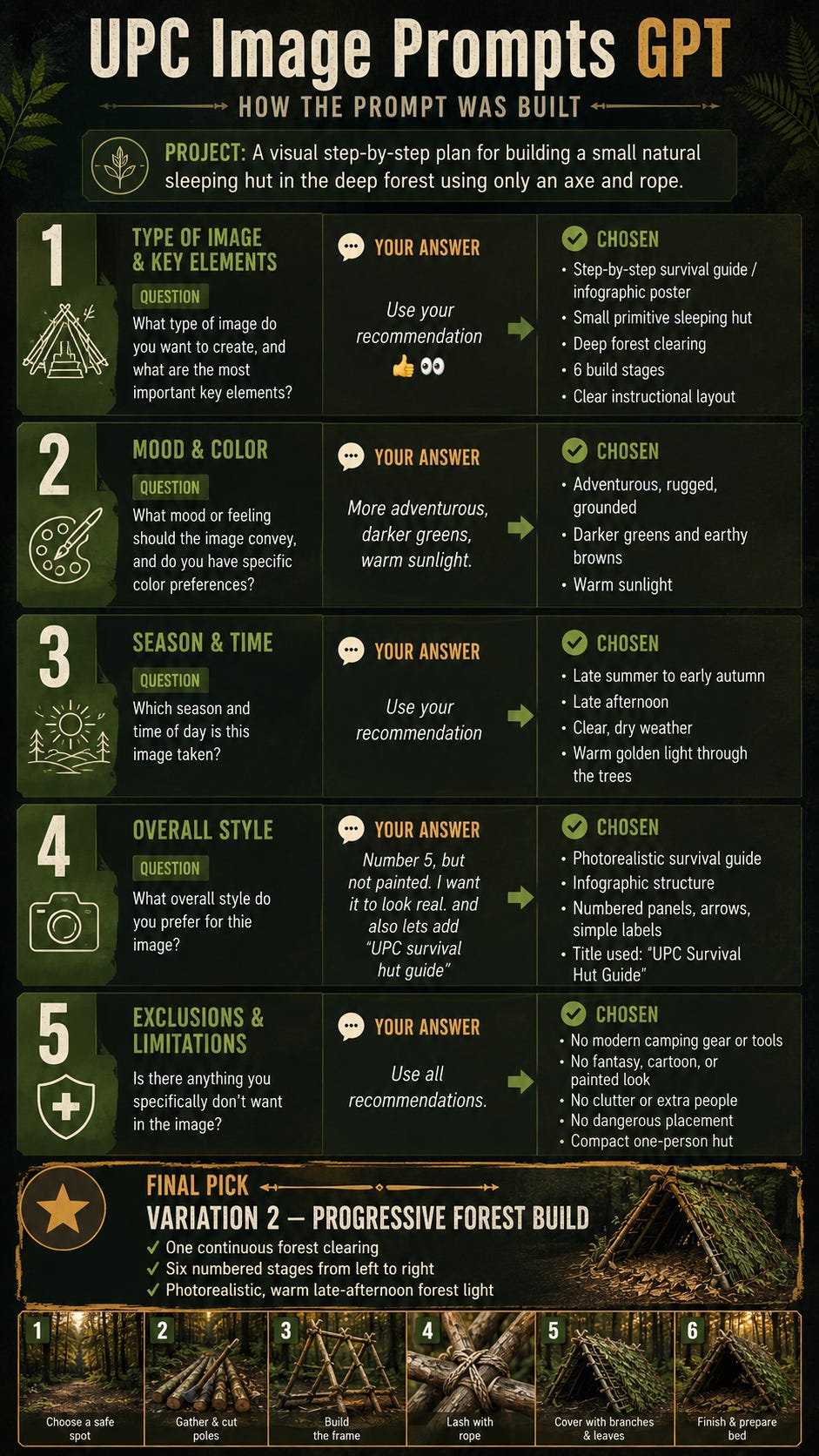
Then, based on that, it gave me the following:
I did the exact same thing with a very ordinary spaghetti recipe that I called “UPC Super Spaghettie.” Probably do not expect too much from it if you make it. 👀😂
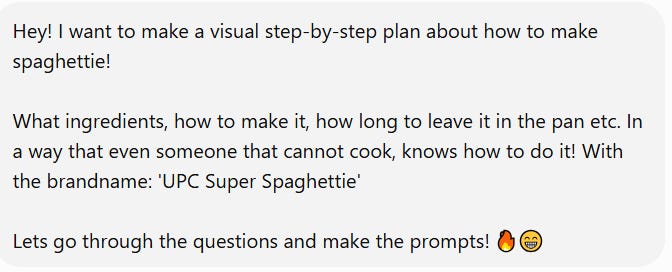
I went through the questions:
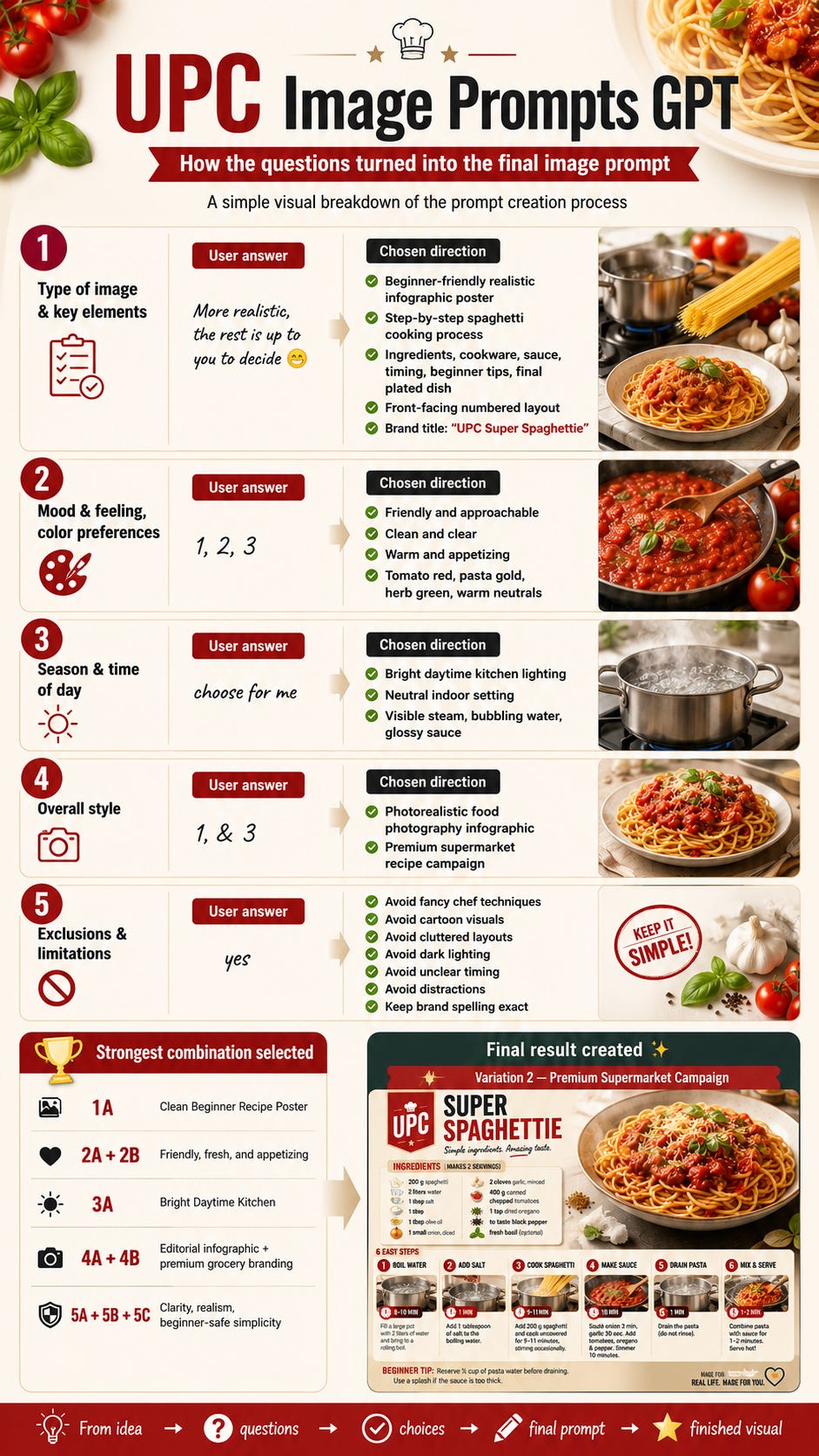
Then, based on that, it gave me:
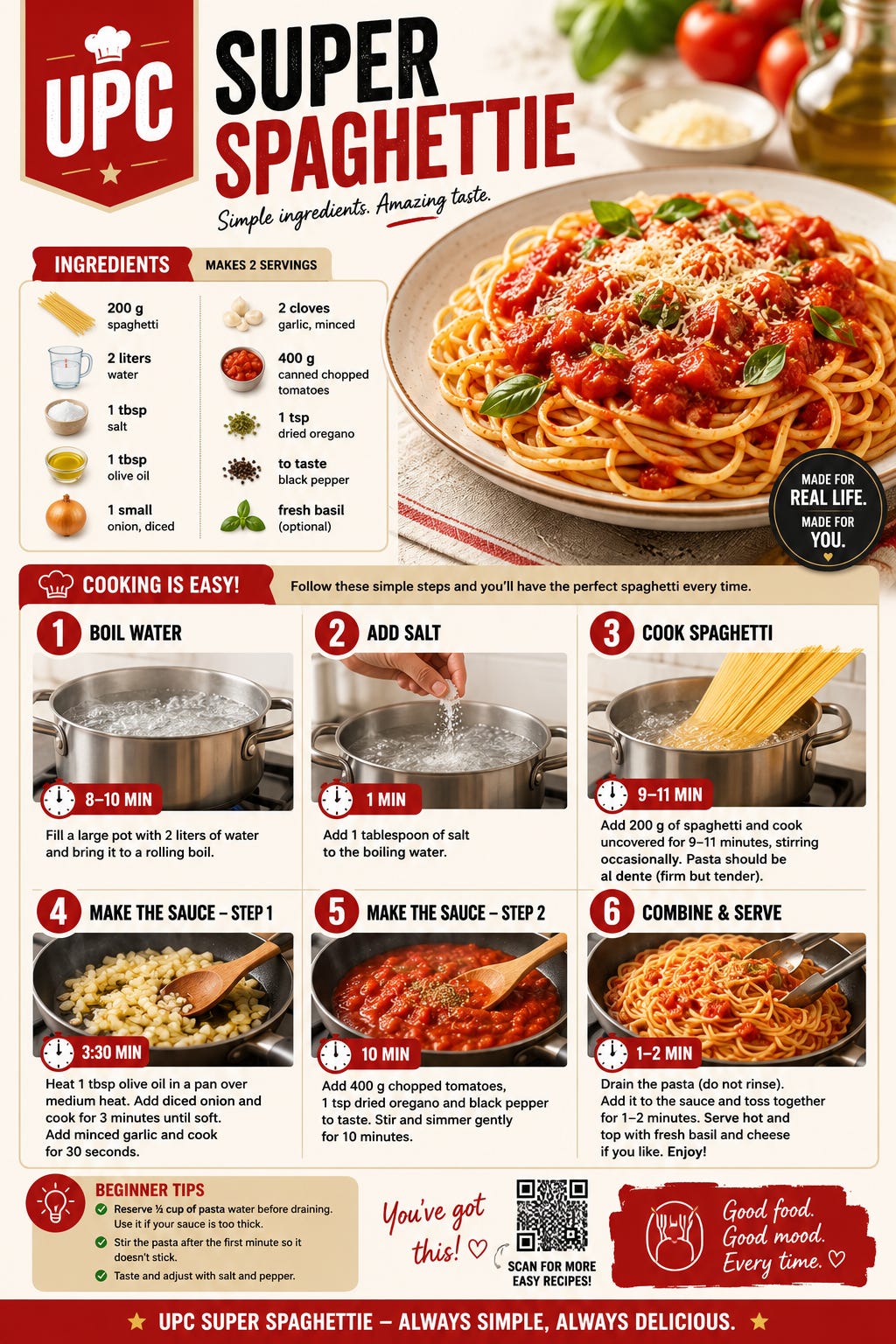
For this, I want to reinforce again that you can have a lot more input on the output. I just made two examples of how you can do it.
If you know a lot about building the hut, you could tell it step by step what to do. If you actually have a good recipe, you can describe it to the AI. If it is something else you know a lot about... simply provide the knowledge. The more real knowledge you provide, the more useful the final visual can become.
AI will integrate it for you. 👍
Final Note
The main thing I am trying to show is not that AI suddenly knows your work better than you. Without guidance it is often pretty shallow.
What i am am trying to tell you is that you can give it the knowledge, and it can help turn that knowledge into something much easier and pleasurable for other people to follow. 👍
That’s it for this post! It really is this simple and effective. There are a lot more use cases, but these were a few of them.
As said, it is best (as of right now when I write this post) to make this in ChatGPT - and you can get this tool for free by just subscribing!
Cya next time! 👋
Use the Ultimate Prompt Creator (free, no signup):
Want to try the UPC Image Prompts GPT yourself?
Subscribe for free to our UPC Substack newsletter and get instant access to four of our most-used UPC tools! 👉 See why subscribing might be worth it