
I Had Expiring AI Video Credits… So I Made These Insane Seedance 2 Tests 😂
The exact rushed workflow I used with the UPC, Image GPT, reference images, and Seedance 2 video prompts.

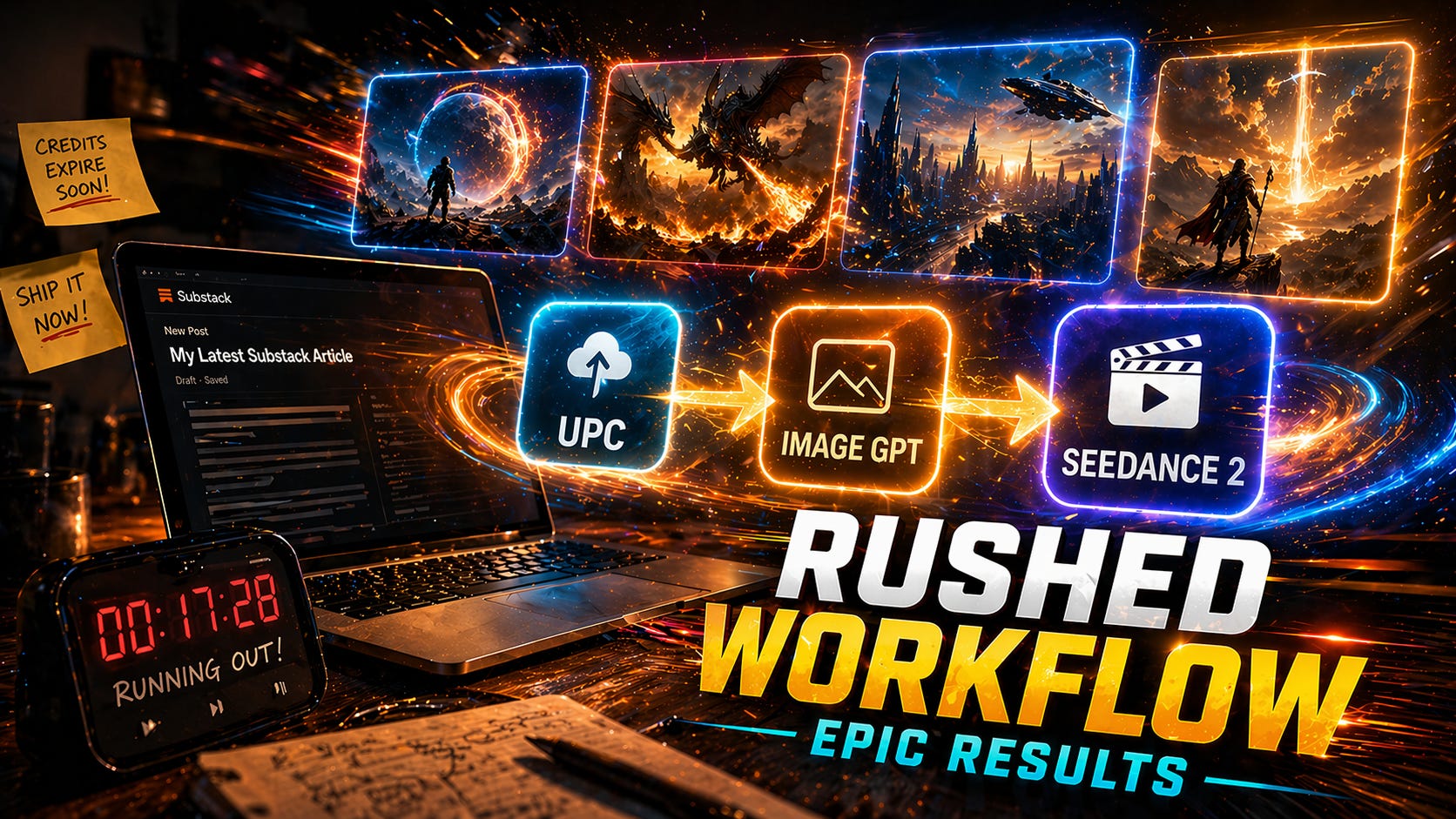
TLDR: I had credits about to expire, zero time to research best practices, and one simple thought: let’s throw this into the UPC and see what happens. 😂 The result? Multiple Seedance 2 videos, motion control test, epic reference images, and a reminder that you don’t always need expertise to make something awesome with AI. 💪🔥
Use the Ultimate Prompt Creator (free, no signup):
Want access to the UPC Image Prompts GPT?
This post will have a rather unique angle. It comes forth out of the fact that I had AI video credits I had to spend very quickly because they would expire any minute. 😋😂
And if you have credits that are going to expire any minute — what is the most logical thing to do?
Spend it on the most advanced and expensive video model. Seedance 2. 😂
But I had one problem. Seedance can basically make a mini-movie up to 15 seconds with multiple cuts, music, sound, etc. That is not what our Image-to-video GPT is made for.
But I genuinely wanted to spend those credits — so I did what I always do when I have a problem.
I went to the UPC.
I didn’t do real effort — because I was in a hurry. So I basically just told it what I wanted to make, and the result genuinely blasted me away. 🤯
That is what I will be showing you today. Something that I did in a hurry with the UPC, of which the results were simply insane.
I cannot resist sharing it. 💪
And something else I tried for the first time: motion control.
Let’s get into it.
Motion Control
I had seen some interesting stuff on the internet about this. But honestly, I didn’t try it out as I didn’t really need it, and it consumed too many credits for my taste for just a simple test.
But this was the moment.
I simply took a random dance video that appealed to me. I uploaded that into the motion control panel together with the following reference image:
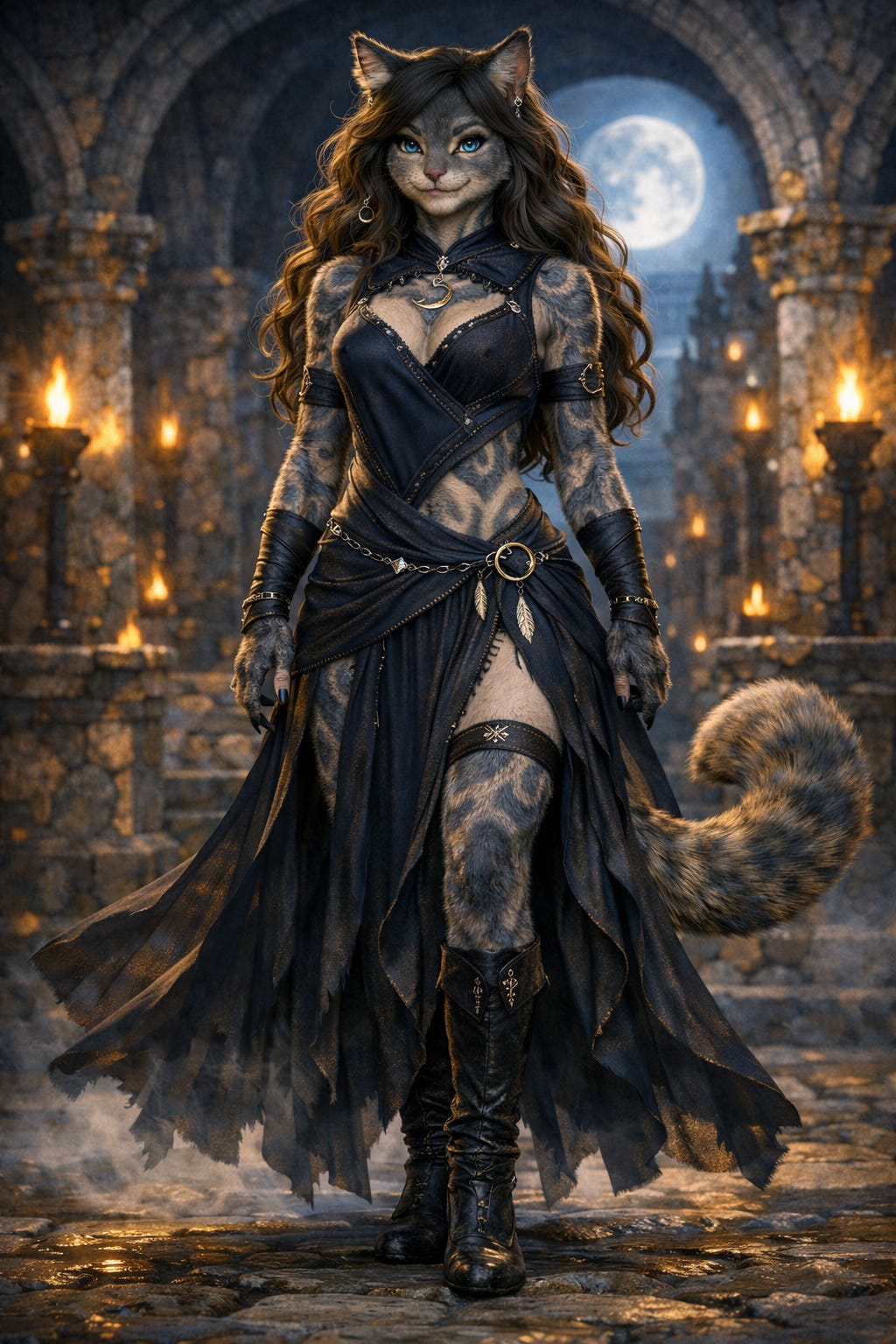
Then all I did was hit “generate,” and wait.
The result is genuinely really awesome! 👀😋🔥
The First Seedance Video
This is the truly interesting part. Because obviously, I didn’t have the time to go and look at some frameworks and best practices. 🤔
So I simply went into the UPC and told it the following:
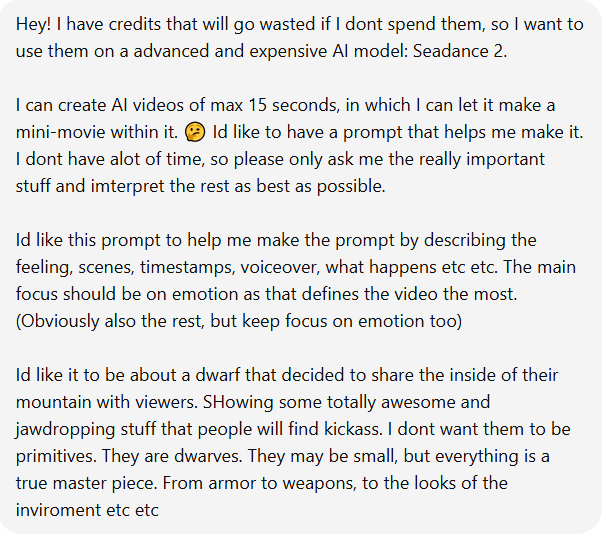
As you can see, that is as basic and inexperienced as it can get.
And the idea is stupid basic. 👀😂
As I specifically told it I didn’t have much time and that it should only ask me the most necessary stuff and interpret the rest, it gave me 5 questions:
Core emotion → Awe, wonder, and epic power
Style → Ultra cinematic realism
The style of voiceover → Directly to viewer. But keep in mind it is 15 seconds. That is not room for a lot of things to be said
Tone → A mix between majestic and emotional & badass and powerful
Some exclusions I don’t want in it
I entered that into the UPC, and it spit out the prompt for me.
I entered that prompt into another chat (in ChatGPT) and received the prompt. It looked good, but I didn’t take the time to verify the quality of it.
But I couldn’t resist quickly making a reference image, because I cannot stand the idea that it takes an aesthetic that I think is ugly. 😂
So I went into the Image GPT, and entered the following:
I am making an AI video for which I need a reference image of the dwarf with the cave. I requested to make the prompts for me as good and fast as possible as the credits would expire any minute. Then I pasted the video prompt below that so it knows what it was about.
Based on that, it immediately spit out the prompts for me. I just asked in the same chat to make the perfect reference image for me based on those prompts.
This was the result:
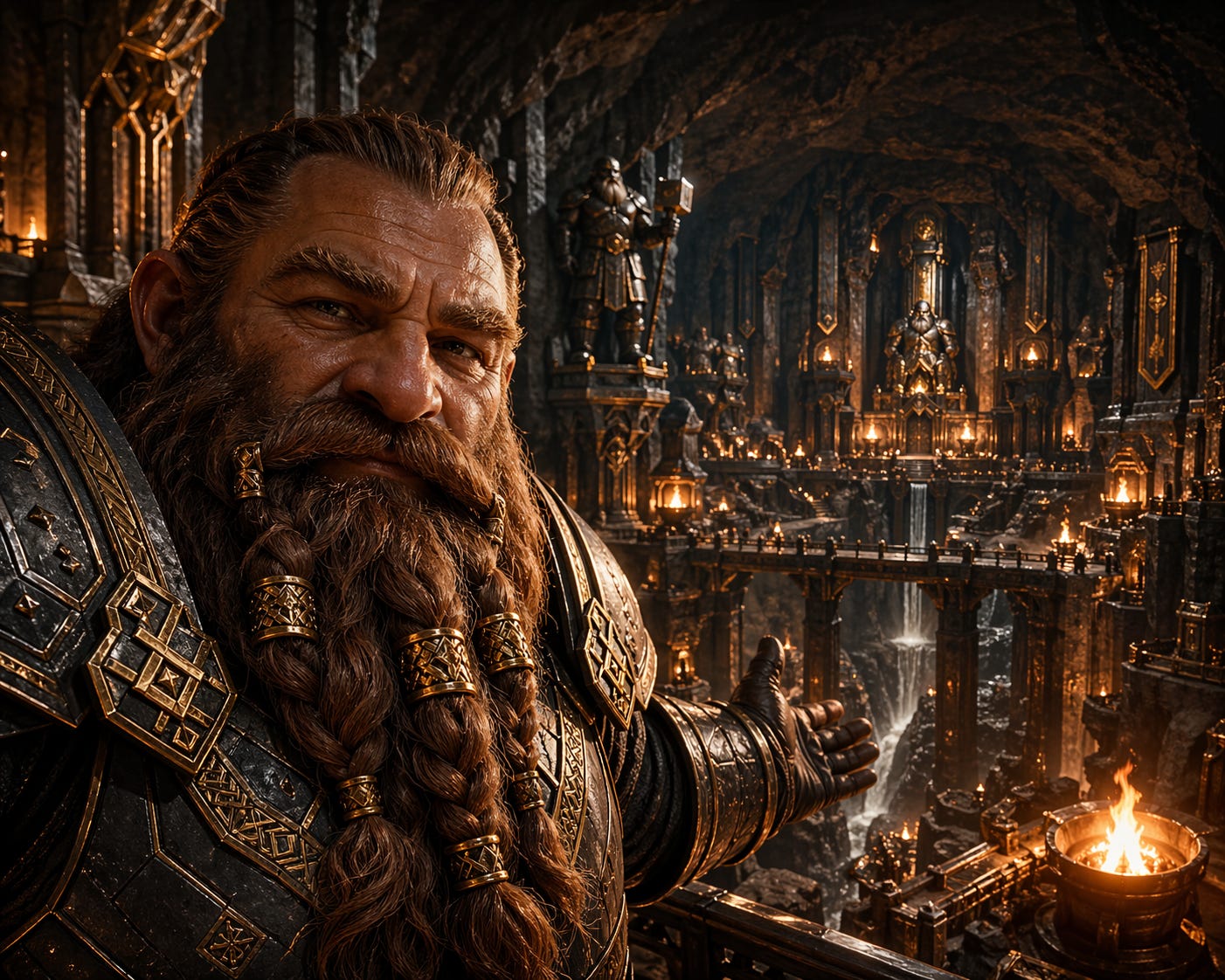
The reference image was basically my “please don’t make this ugly” insurance. 😂 It gave the video model a visual direction before it started doing its own thing.
I think they just rolled out the new image generation model in ChatGPT — because the quality is insane and even higher than normally. 🤔🔥 (As will the other images be too.)
So I had everything I needed.
I threw it into Seedance 2 with this as reference image. I put the resolution on lowest so I could make multiple videos.
The result is absolutely insane!
I can already imagine making an AI movie with this quality... 🤤😋
The Mermaid Video
Absolutely enthusiastic about the result, I immediately went back into that same UPC chat and entered the following to make the next video:
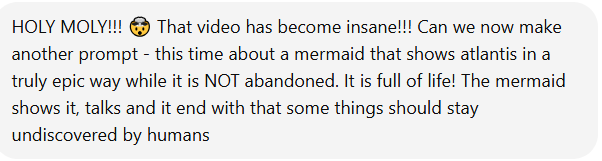
It immediately spit out the next prompt for me. And I simply repeated the same process.
I pasted that UPC prompt into a new chat and received the video prompt
I went to the Image GPT, pasted in the video prompt, and asked for the image prompts
Then I asked the Image GPT to make the perfect image reference
Then I entered that into the Seedance 2 model
This was the result of the image:
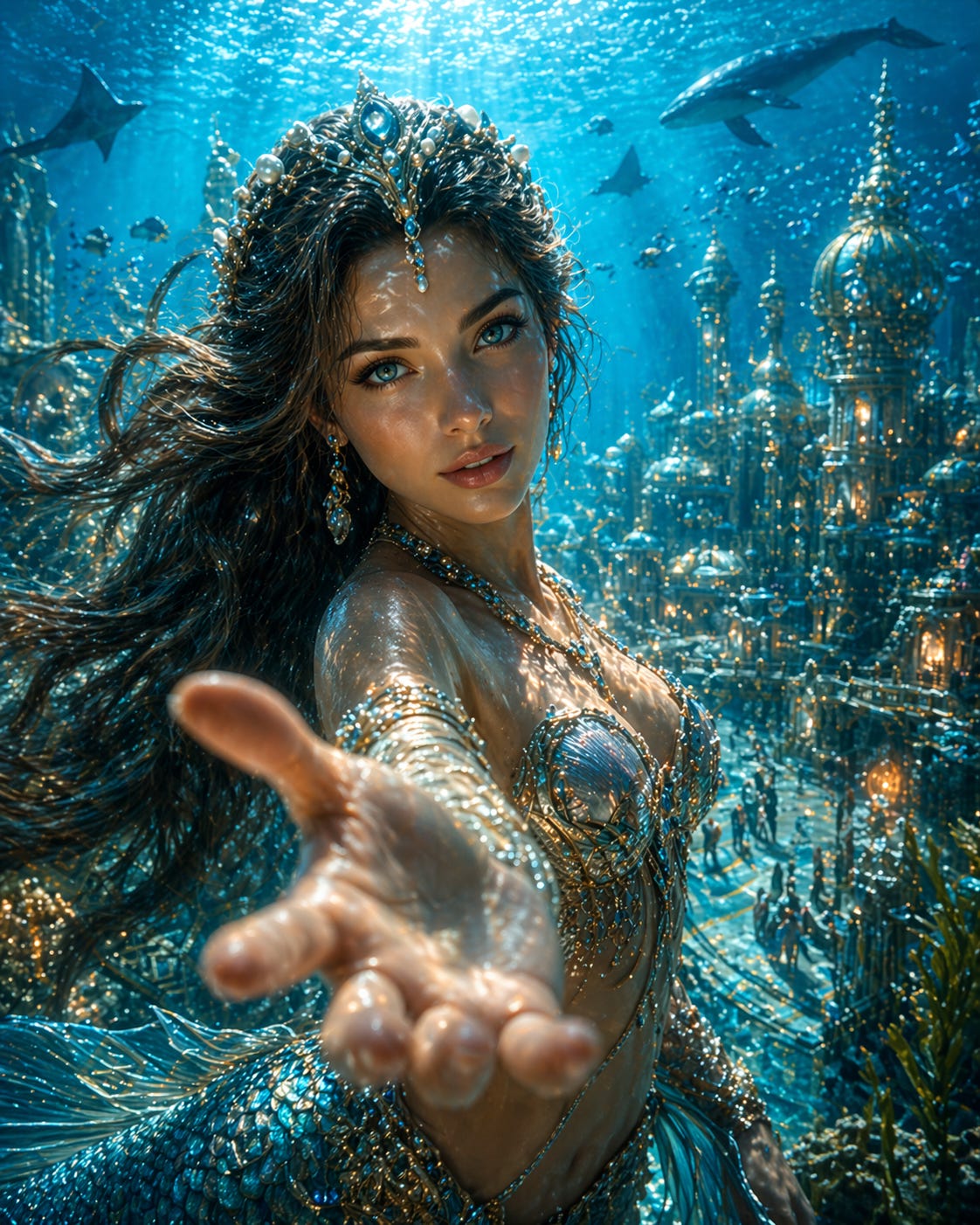
This was the video:
The Other Seedance Videos
Then I repeated the same process for:
A dragon showing its kingdom
Ogres that people see as evil, but giving a look at the kindness behind the scenes
These were the two reference images:
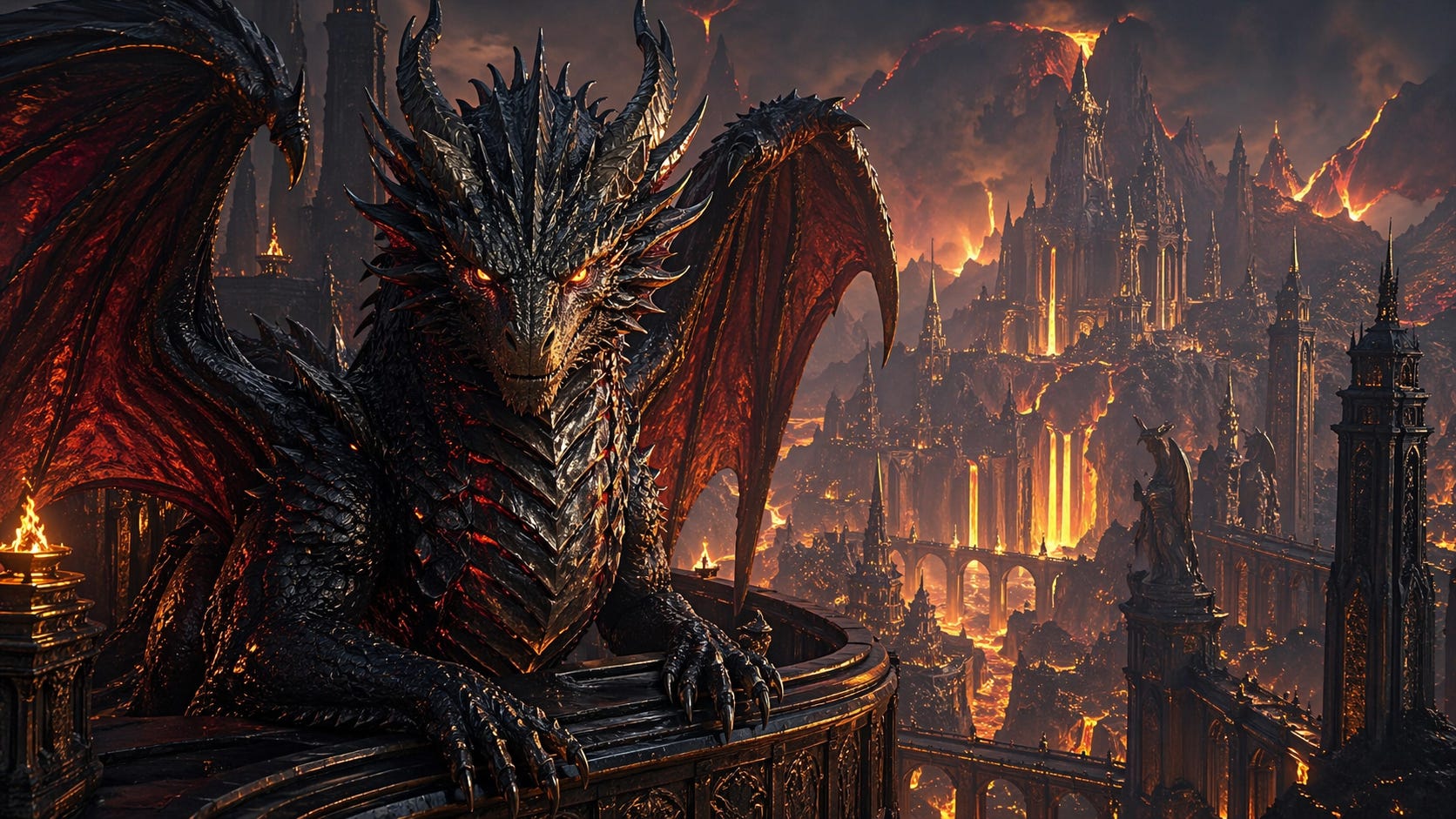
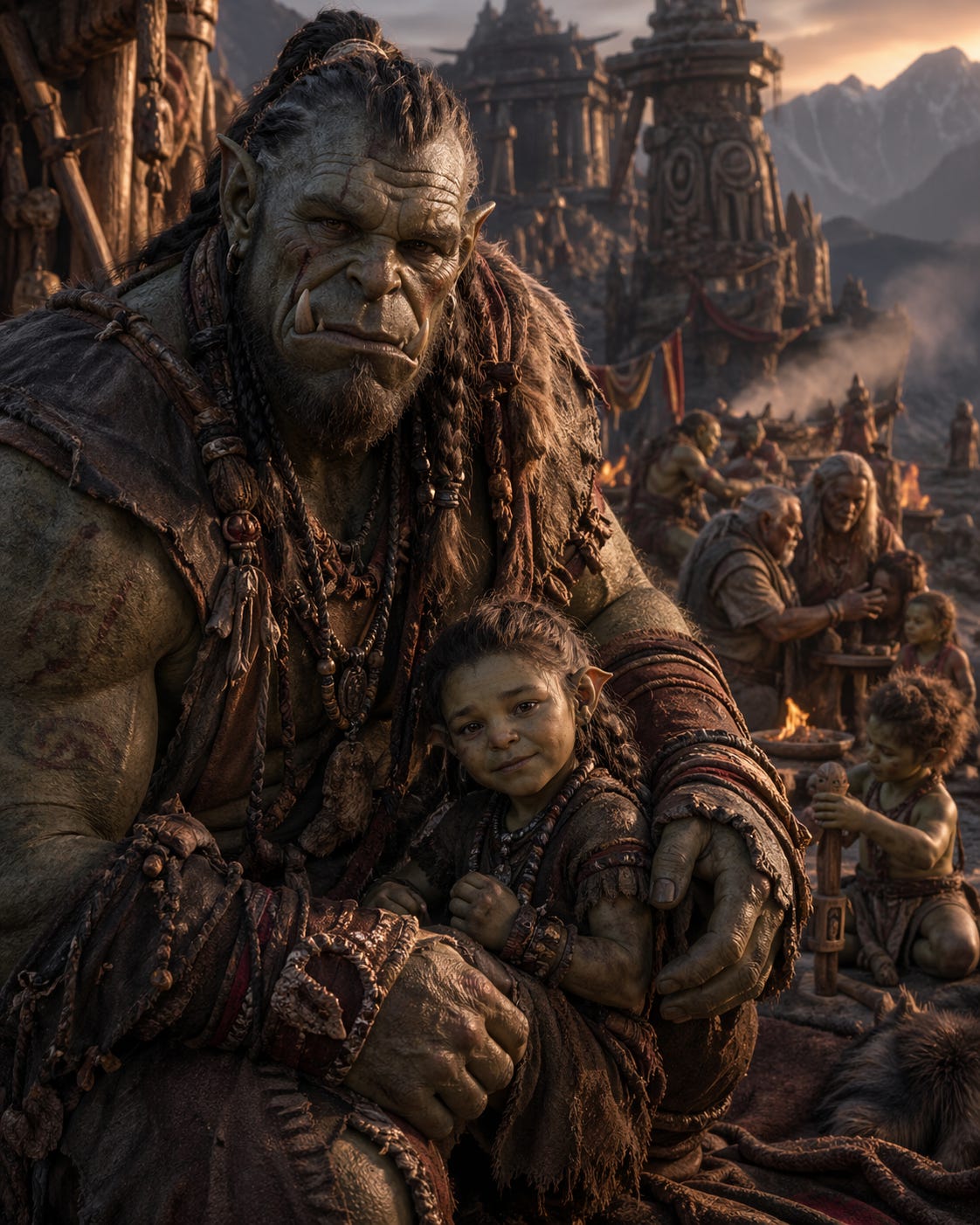
These were the two videos:
The Two Brand Videos
Then I had credits left for two other videos. And I decided to spend them on two brand videos.
I did make one mistake by not giving enough context. So they are fully focused on the creative video side only...
But then, I was in a hurry. (Valid excuse?) 🤦♂️😂
Nonetheless, the result is totally epic! 👀🔥
The images:
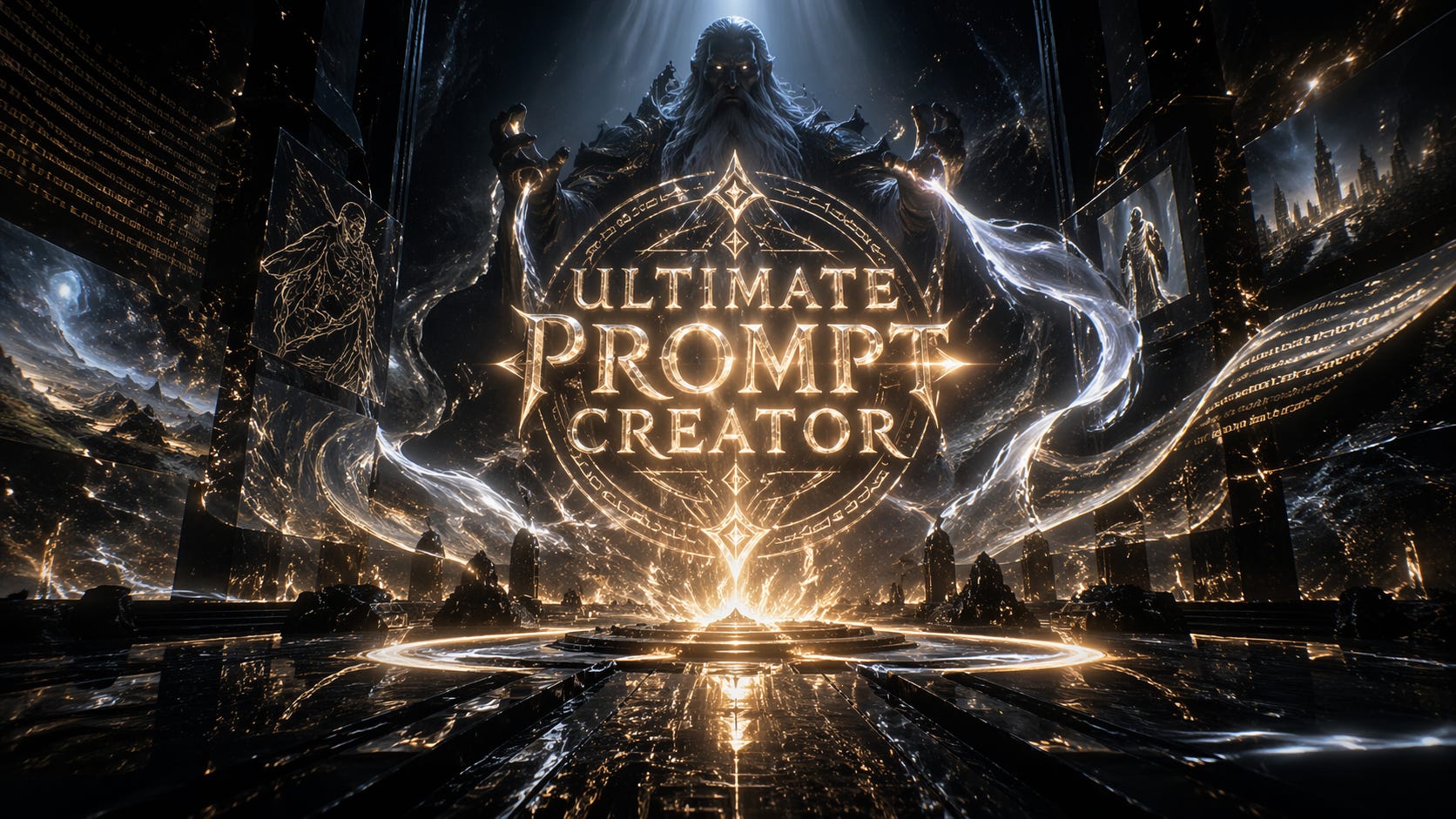
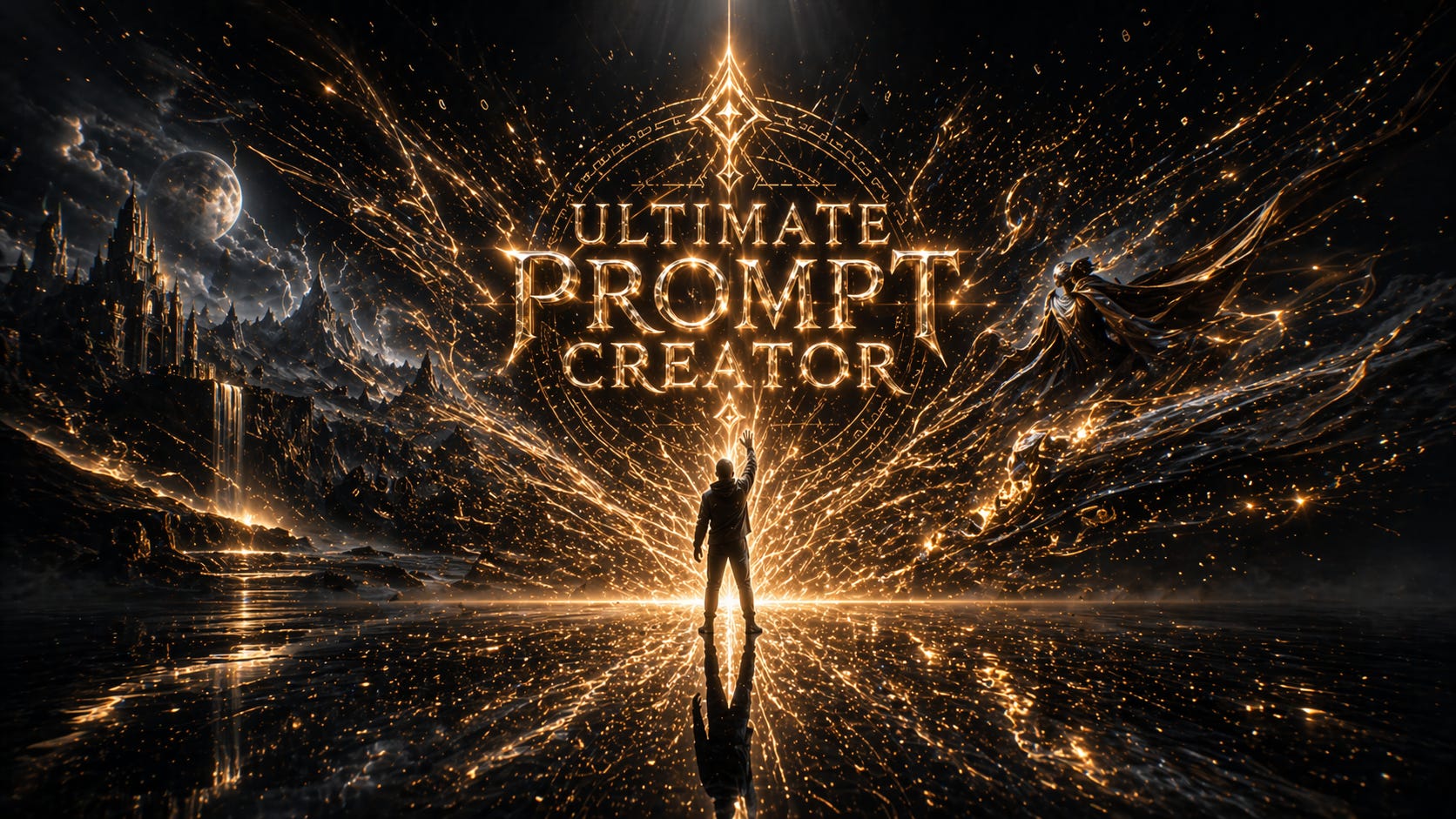
These were the videos:
Final Note
That’s it for this post!
It was just a quick test for myself — but the results were so impressive I just had to share it.
This shows — again — that the UPC can do about literally anything, even if you don’t know shit about it yourself. 😂
If you want to try it out yourself, it is totally free. 👇
Take care! 🔥💪
Use the Ultimate Prompt Creator (free, no signup):
Want access to the UPC Image Prompts GPT?